iOS · iPadOS · watchOS
See the time
slip quietly away
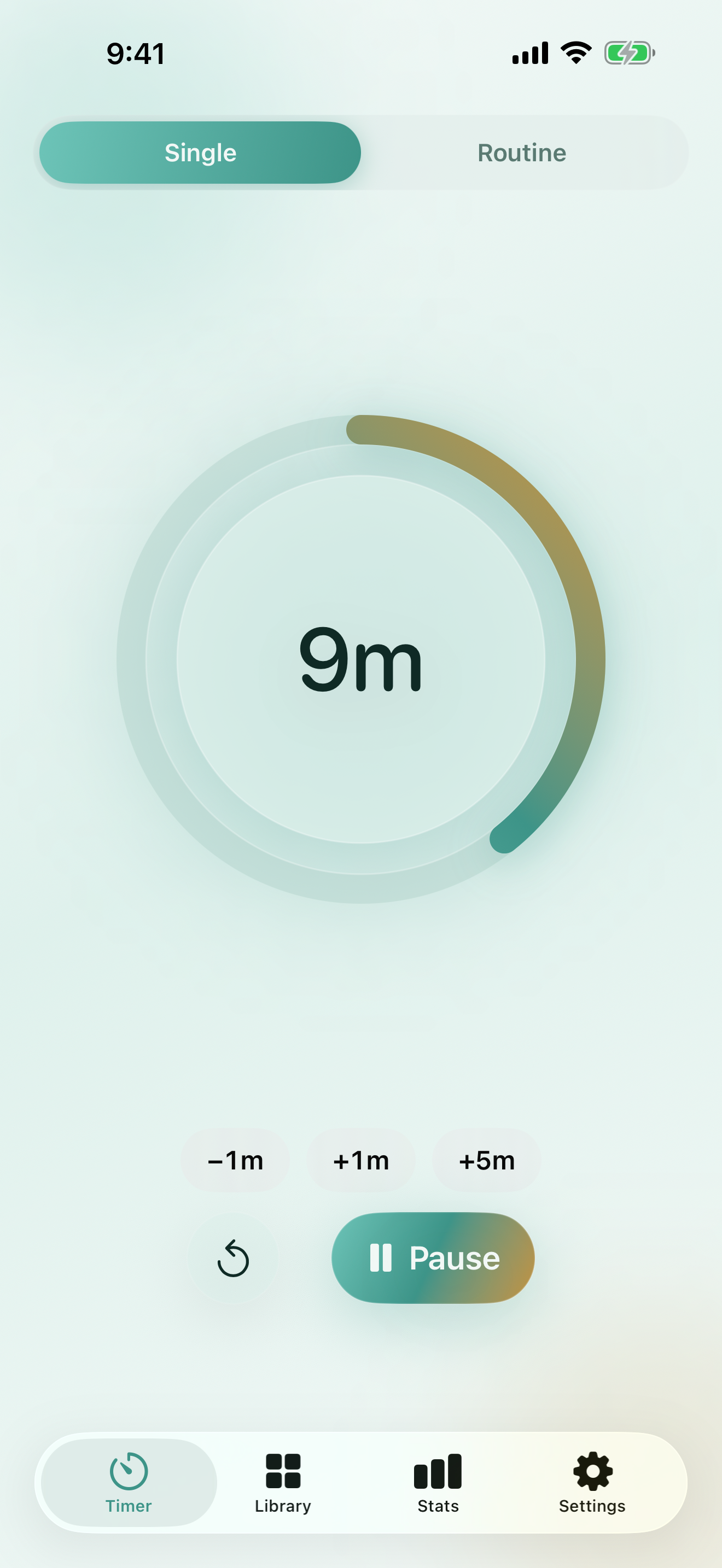
A calm, shrinking ring shows exactly how much time is left.
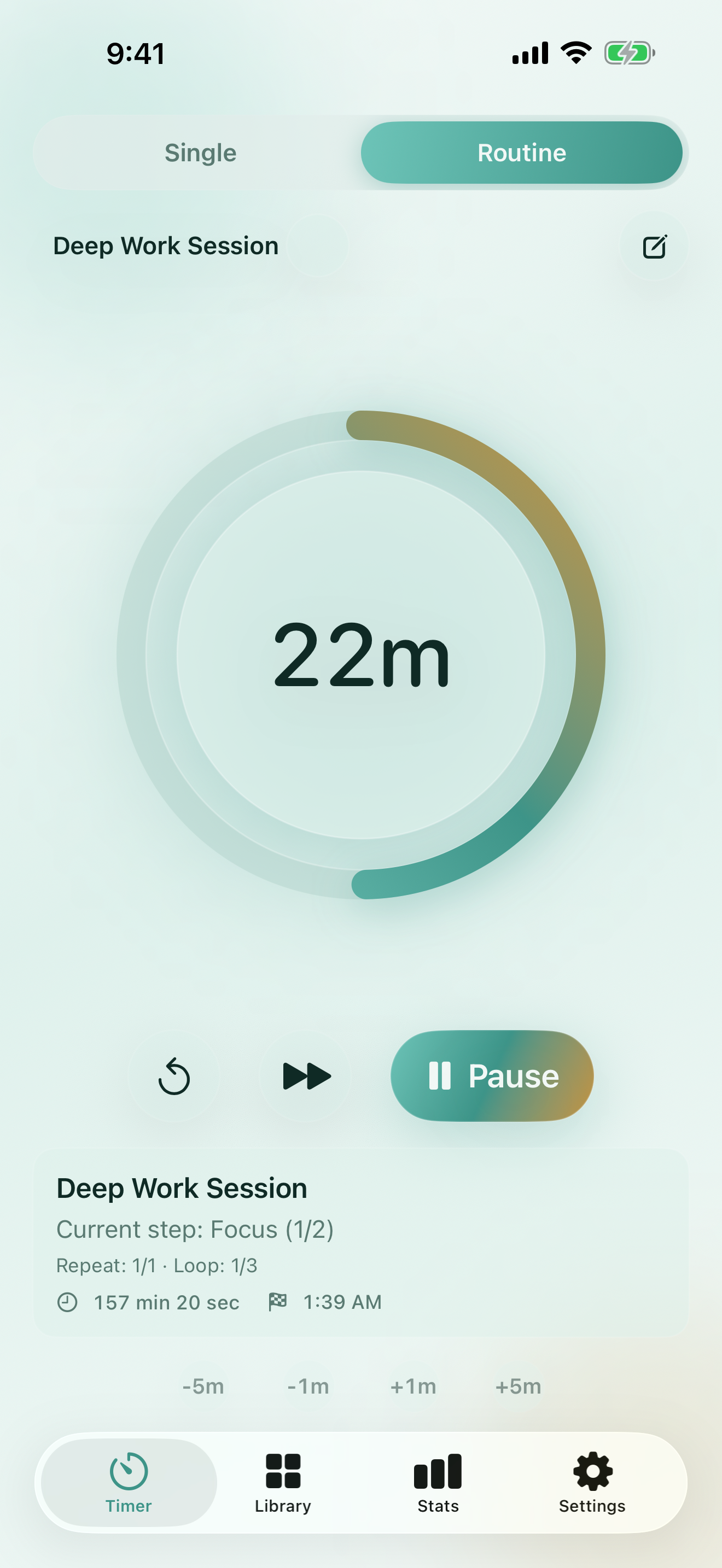
Chain routines together and keep your focus.
iOS · iPadOS · watchOS
A calm, shrinking ring shows exactly how much time is left.
Chain routines together and keep your focus.
Features
MinuteCue replaces tiny digits with a visual cue you can feel at a glance.
Pick the style that suits the moment — Halo Ring, Sweep Arc, or Calm Bar.
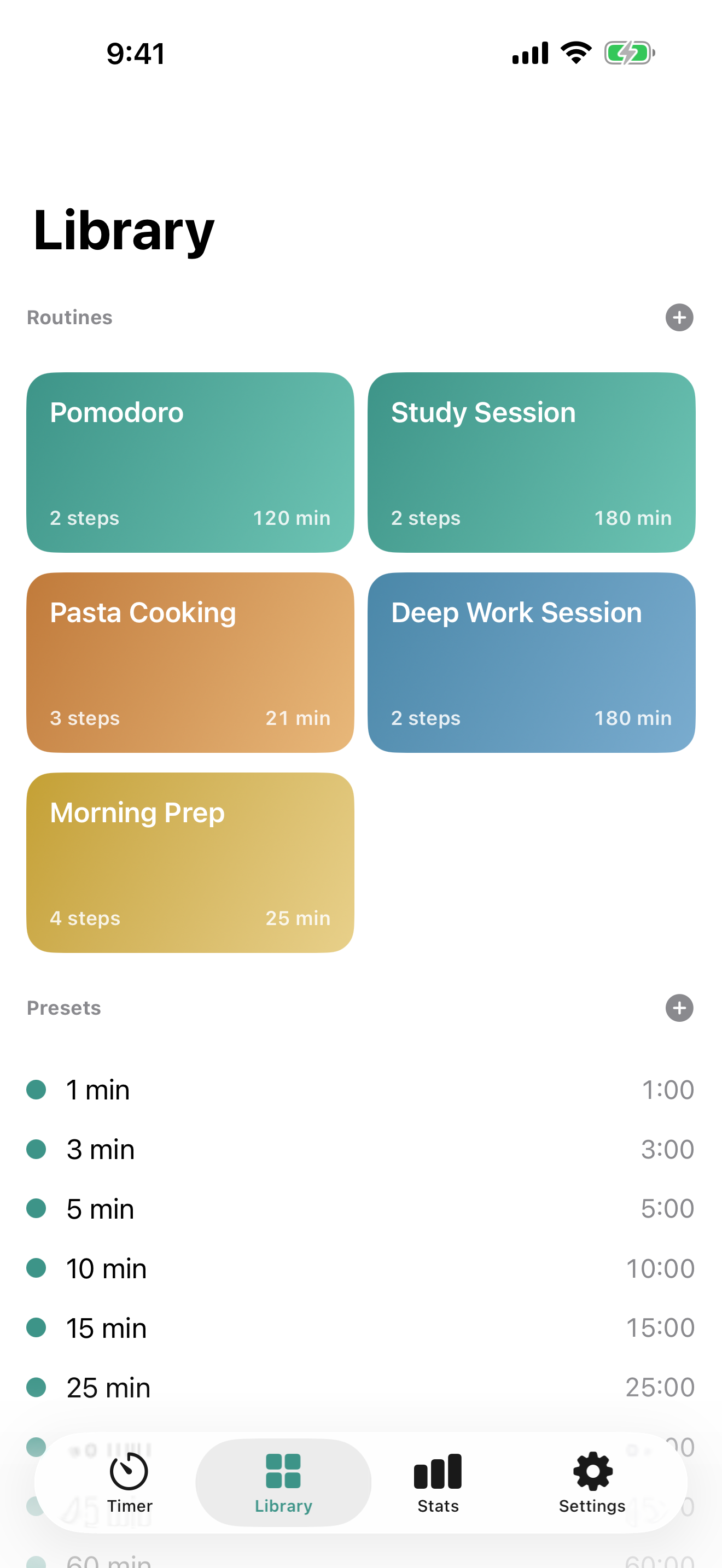
Chain timers together — study, break, study — with repeats and loops built in.
See the running timer on the Lock Screen, Dynamic Island, and Home Screen.
Set a timer with the Digital Crown and feel a gentle haptic on completion.
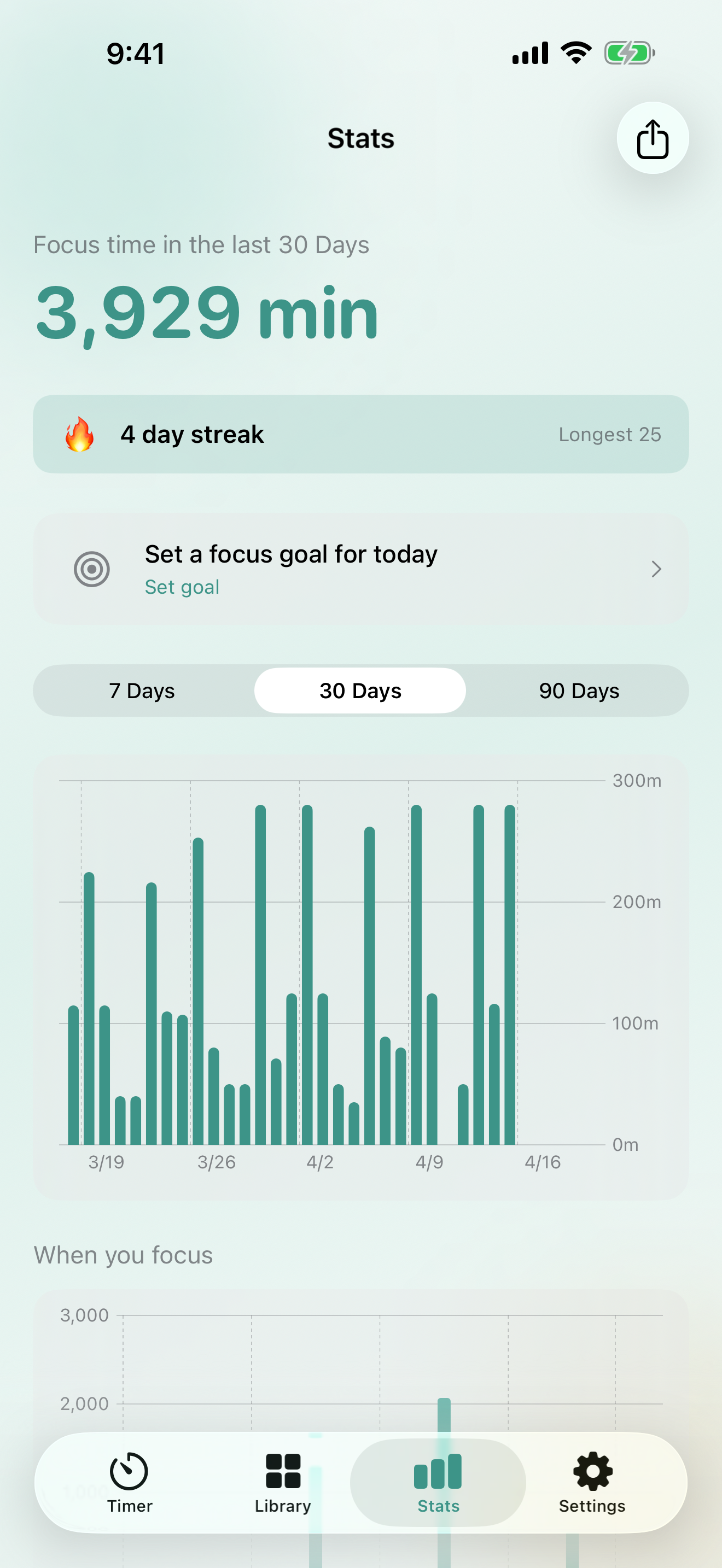
See your focus habits at a glance with a daily bar chart and 30-day history.
Presets, routines, and stats follow you across every Apple device.
Screenshots
From timers and routines to statistics — clean, uncluttered interfaces.
Pricing
No account required. Premium removes ads.
Free
Free
No account, ad-supported
Premium
Monthly
Auto-renewing · Cancel anytime
Support
Check the common questions below first.
iPhone running iOS 17 or later, iPad running iPadOS 17 or later, and Apple Watch running watchOS 10 or later.
Run a visual timer, save a handful of presets, and use widgets and Live Activities — all without creating an account.
By default, all data lives on your device. When you enable iCloud sync as a Premium subscriber, data only flows between your own Apple devices through Apple iCloud.
Open iOS Settings → your name → Subscriptions. You keep Premium features until the end of the period you already paid for.